
Landscape Design Software: Choose the Right Tool to Plan Your Outdoor Space
What is landscape design software?
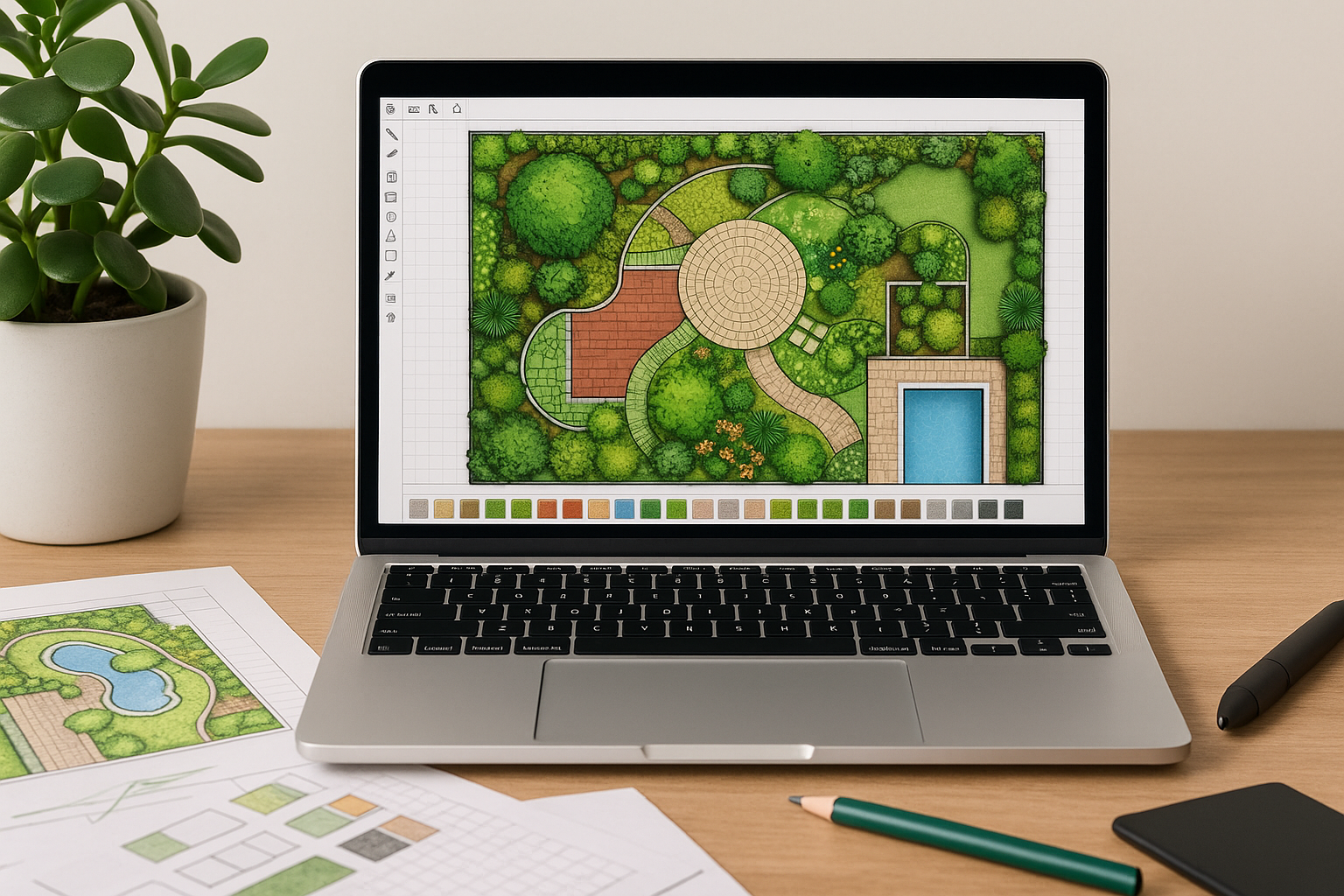
Landscape design software is a digital tool that helps homeowners, gardeners, and professionals plan, visualize, and document outdoor spaces. From simple 2D garden layouts to immersive 3D walkthroughs, these programs let you map property lines, place plants and hardscaping elements, estimate materials, and experiment with styles before you buy or build.
Why use landscape design software?
Designing outdoors by hand can be time-consuming and imprecise. Software speeds up the process, improves accuracy, and reduces costly mistakes. Key benefits include:
- Visualizing ideas in 2D and 3D so you can see how plants, furniture, and structures fit together.
- Accessing plant libraries and climate data to choose species that will thrive in your region.
- Generating materials lists and cost estimates for budgeting and contractor quotes.
- Creating professional-looking plans, permits, or client presentations.
Key features to look for
1. Accurate measurement and CAD tools
Good software includes tools to draw property boundaries, import site photos or satellite imagery, and measure distances accurately. CAD-level precision matters when planning patios, decks, irrigation, or grading.
2. Plant libraries and climate filtering
A robust plant database with filters for hardiness zone, mature size, sun/shade preferences, and water needs saves time and helps you design a sustainable landscape.
3. 3D visualization and rendering
3D previews and realistic renderings let you evaluate scale, texture, and color combinations. Some tools offer sun/shadow simulations to understand daylight patterns across seasons.
4. Materials and cost estimation
Automated takeoffs for soil, mulch, pavers, and plants help produce accurate material lists and budget estimates—handy for do-it-yourselfers and professionals alike.
5. Ease of use and learning curve
Consider who will use the tool. Beginners benefit from drag-and-drop interfaces and templates, while landscape pros may prefer advanced CAD integration and custom symbol libraries.
Popular landscape design software options
There’s a wide range of options for different needs and budgets. Here are some notable choices:
- SketchUp: Powerful 3D modeling favored by pros; steep learning curve but highly flexible with plugins.
- AutoCAD LT: Industry-standard for precise CAD drawings; best for professionals who need technical plans.
- Realtime Landscaping: User-friendly 3D visuals—good for homeowners and small firms wanting quick renderings.
- iScape: Mobile-first app great for quick conceptual designs and client approvals in the field.
- Garden Planner: Simple, low-cost option for homeowners focused on planting layouts and vegetable gardens.
- Land F/X: A plugin for professionals using AutoCAD that streamlines irrigation, planting, and site detailing workflows.
How to choose the right software
Selecting the best tool depends on your goals, skill level, and budget. Ask yourself these questions:
- Is this for personal planning or professional client work?
- Do I need high-precision CAD output or simple conceptual visuals?
- Will I use the tool on desktop or mobile devices?
- How important are plant databases, local climate data, and irrigation planning?
- What is my budget for software licenses and training?
Try free trials when available. A quick hands-on session reveals if the interface and output match your expectations.
Tips for using landscape design software effectively
- Start with an accurate site survey: measure boundaries, note slopes, soil types, and existing utilities.
- Use layers to separate elements like hardscape, plants, irrigation, and lighting—this keeps plans organized.
- Apply plant growth settings or size placeholders to account for mature dimensions, not just seedling size.
- Leverage templates and libraries for common features like patios, fences, and walkways to speed workflow.
- Validate material quantities on-site when possible—software gives estimates, but real-world conditions vary.
Cost and licensing considerations
Prices range from free or low-cost consumer apps to subscription-based professional suites. Consider long-term costs if you depend on frequent updates or cloud services. For professionals, features like CAD compatibility, client sharing, and technical support can justify higher prices.
Final considerations
Landscape design software brings clarity, efficiency, and creativity to outdoor planning. Whether you’re laying out a small backyard or designing a commercial landscape, the right tool helps you test ideas, avoid mistakes, and communicate plans clearly. Balance features, ease of use, and budget to pick the best match for your project.
Conclusion
The best landscape design software is the one that fits your needs and helps you bring your vision to life. Start with a clear brief, try a few options, and prioritize accuracy and usability. With the right software, your outdoor project becomes easier to plan, estimate, and enjoy.